


In the age of immersive technology and virtual experiences, 360-degree car footage is opening exciting doors to recreate realistic virtual road trips. Whether you’re a content creator, travel vlogger, or simply a tech enthusiast, the ability to transform 360 car footage into virtual road trips can captivate your audience, inspire wanderlust, and even serve educational or commercial purposes.
This detailed guide covers everything from choosing the right 360 camera setup to editing your footage into a compelling virtual driving experience. Let’s get started!
Article Outline
- 1 What Is 360 Car Footage?
- 2 Why Turn 360 Footage into Virtual Road Trips?
- 3 Tools and Equipment Needed
- 4 Step-by-Step Process to Create a Virtual Road Trip
- 5 Storytelling and Engagement Tips
- 6 Best Platforms to Publish Your Virtual Trip
- 7 Real-World Applications
- 8 Common Mistakes to Avoid
- 9 Final Thoughts
- 10 FAQ: Transform 360 Car Footage into Virtual Road Trips
- 10.1 Q1. What is the best 360 camera for virtual car road trips?
- 10.2 Q2. Can I upload 360 road trip videos to YouTube?
- 10.3 Q3. Do I need a VR headset to watch these trips?
- 10.4 Q4. How long should a virtual road trip video be?
- 10.5 Q5. Can I make money from 360 virtual road trips?
- 10.6 Q6. Is internet speed a factor when streaming 360 videos?
- 10.7 Q7. Are there AI tools to help edit or narrate my videos?
What Is 360 Car Footage?
360 car footage refers to video content captured using a 360-degree camera mounted inside or outside a vehicle. These cameras record everything around them, allowing viewers to look in any direction—left, right, up, down, and behind—during playback.
Key Characteristics
- Immersive view of surroundings
- Captures full panoramic scenes
- Ideal for VR headsets and interactive platforms
- Used for virtual tours, training, and entertainment
Why Turn 360 Footage into Virtual Road Trips?
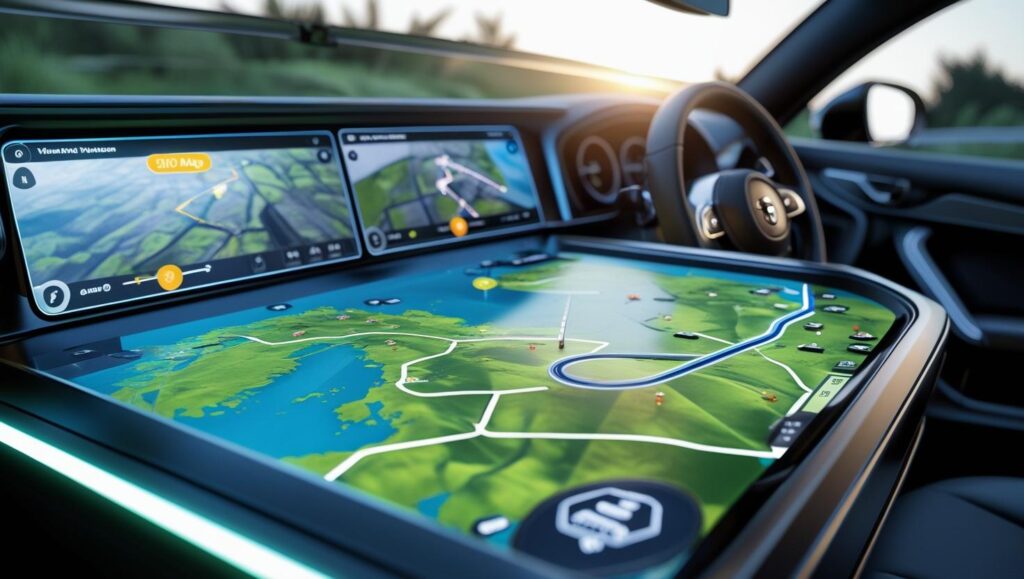
Creating virtual road trips from 360 car footage is more than just editing—it’s about designing an interactive experience. Here’s why it’s worth your effort:
| Benefit | Description |
|---|---|
| Immersive Experience | Viewers can explore the road like they’re actually there. |
| Virtual Tourism | Travel lovers can visit places from home. |
| Educational Value | Great for geography lessons, driver training, and cultural exploration. |
| Content Monetization | Sell or license your virtual drives to platforms or tourism brands. |
| Social Media Content | Unique and share-worthy content for YouTube, Facebook, and Instagram VR. |
Tools and Equipment Needed
To get started, you’ll need some basic hardware and software tools. Here’s a breakdown:
Hardware
| Equipment | Example Models | Purpose |
|---|---|---|
| 360 Camera | Insta360 One X2, GoPro Max, Ricoh Theta Z1 | Capture panoramic footage |
| Vehicle Mount | RAM Mounts, suction cup tripod | Stabilize camera on car roof or dash |
| Drone (optional) | DJI Air 3 | For aerial support footage |
Software
| Tool | Usage |
|---|---|
| Adobe Premiere Pro | Video editing and color grading |
| Insta360 Studio | Stitching and exporting 360 footage |
| Final Cut Pro with plugins | Advanced post-production |
| Kuula or Pano2VR | Hosting interactive 360 tours |
| AI voiceover tools | Add narration automatically |
Step-by-Step Process to Create a Virtual Road Trip
Step 1: Plan Your Route
- Choose a scenic or culturally rich location.
- Use Google Maps or Roadtrippers to plan a visually engaging route.
- Make note of landmarks and key moments.
Step 2: Mount and Test Your Camera
- Secure the 360 camera using a stable mount.
- Run a test drive to ensure audio, lighting, and stabilization are optimal.
- Ensure SD cards have sufficient storage and batteries are fully charged.
Step 3: Capture the Journey
- Start recording at the beginning of your route.
- Avoid sudden stops or aggressive driving.
- Record during the golden hour (early morning or late afternoon) for best lighting.
Step 4: Transfer and Stitch the Footage
- Import your footage to a computer.
- Use native camera software (like Insta360 Studio) to stitch clips together into equirectangular format.
- Export in high resolution (preferably 4K or 5.7K).
Step 5: Edit the Footage
Key Editing Elements:
- Cut out boring or static sections.
- Add ambient sounds or background music.
- Overlay narration for guided storytelling.
- Insert annotations for place names and trivia.
- Add motion blur, speed ramping, and stabilization as needed.
Pro Tip: Use “reframe” features in editing software to highlight important views dynamically.
Step 6: Optimize for Platforms
Export your video in compatible formats:
- YouTube VR: .mp4 with 360 metadata
- Facebook 360: Under 10 GB, up to 8K
- VR Headsets: .mov or .mp4, stereoscopic formats for Meta Quest and similar devices
Storytelling and Engagement Tips
Turning footage into a compelling story is what separates a good video from a great one.
Include These Elements:
- Narration: Guide viewers with stories, history, or trivia.
- Themes: Coastal road trip, mountain drive, cultural exploration.
- Points of Interest: Stop at landmarks and pan slowly.
- People and Culture: Showcase locals, cuisine, or music if possible.
- Background Music: Use royalty-free tracks that match the vibe.
Avoid:
- Long unedited stretches of road
- Jerky camera movement
- Overuse of transitions or filters
Best Platforms to Publish Your Virtual Trip
Once your video is ready, it’s time to share it with the world. Here are some ideal platforms:
| Platform | Pros | Ideal Use |
|---|---|---|
| YouTube VR | Massive reach, supports 360, monetization options | Public virtual tours |
| Facebook 360 | Easy sharing, interactive features | Social engagement |
| VeeR VR | Dedicated VR community | Immersive storytelling |
| Kuula.co | Hosting interactive 360 photos/videos | Real estate and travel tours |
| Meta Quest App Lab | VR headset audience | Gaming-like experiences |
Real-World Applications
Transforming 360 car footage into virtual road trips isn’t just for fun. Here’s how various industries use it:
| Industry | Use Case |
|---|---|
| Tourism Boards | Promote destinations to potential travelers |
| Education | Teach geography, history, or driving lessons |
| Real Estate | Show neighborhoods in 360 tours |
| Automotive Brands | Showcase test drives or new features |
| Documentary Filmmakers | Produce immersive travel content |
Common Mistakes to Avoid
Creating 360 content has its learning curve. Here are common pitfalls and how to dodge them:
| Mistake | Solution |
|---|---|
| Poor camera placement | Test angles before final shoot |
| Ignoring audio quality | Use external mic or add audio later |
| No editing | Always trim, enhance, and guide the viewer |
| Not adding metadata | Use YouTube’s metadata injector for 360 videos |
| Not optimizing for device | Test playback on mobile and VR headsets |
Final Thoughts
The ability to transform 360 car footage into virtual road trips is a game-changer for creators, educators, and brands alike. With the right equipment, editing skills, and a bit of storytelling flair, you can transport viewers to stunning roads across the globe—without them ever leaving their couch.
By investing in high-quality footage and mastering editing tools, you can turn ordinary drives into extraordinary virtual journeys that inspire, educate, and entertain.
FAQ: Transform 360 Car Footage into Virtual Road Trips
Q1. What is the best 360 camera for virtual car road trips?
A: The Insta360 One X2 and GoPro Max are both popular for their balance of quality, price, and ease of use.
Q2. Can I upload 360 road trip videos to YouTube?
A: Yes, YouTube fully supports 360 and VR videos. Just make sure to include the correct metadata and export settings.
Q3. Do I need a VR headset to watch these trips?
A: No, viewers can explore 360 videos on mobile or desktop using drag and swipe functions. VR headsets enhance the experience but are optional.
Q4. How long should a virtual road trip video be?
A: Ideal length is 5–15 minutes, but it depends on the storytelling pace and viewer attention span. Keep it engaging throughout.
Q5. Can I make money from 360 virtual road trips?
A: Yes! Through YouTube monetization, sponsorships, selling VR experiences, or offering branded content to tourism boards and businesses.
Q6. Is internet speed a factor when streaming 360 videos?
A: Definitely. Since 360 videos are large files, a high-speed connection ensures smooth playback without lag.
Q7. Are there AI tools to help edit or narrate my videos?
A: Absolutely. Tools like Descript, Pictory, or ElevenLabs can automate voiceovers, subtitles, and even basic editing tasks.


